
Screenshots
App details
- Updated
- Aug 19, 2023
- Language
- Chinese,English
- Developer
- GameLoop
- Category
- Mobile
SoftPas in:
This product is also available in the following languages:
About Uptodown GameLoop
Download GameLoop – Android emulator, PC gaming, PUBG Mobile, Free Fire, Call of Duty Mobile, Apex Legends Mobile, Clash Royale, Pokémon UNITE, Stumble Guys, Lords Mobile, APKPure
Overview
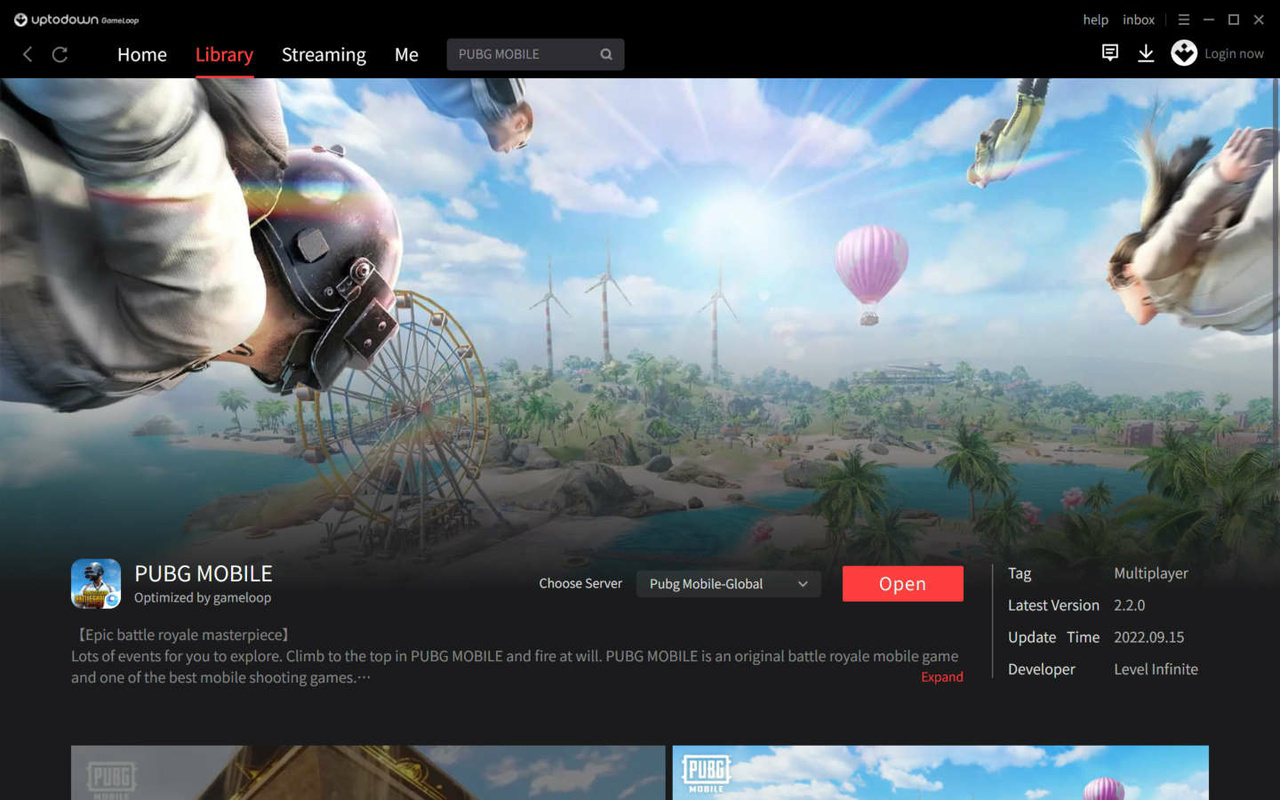
GameLoop, developed by APKPure, is a dedicated Android emulator designed to bring popular mobile games to the PC environment. The application enables users to play high-performance Android titles such as PUBG Mobile, Free Fire, Call of Duty: Mobile, Apex Legends Mobile, Clash Royale, Pokémon UNITE, Stumble Guys, and Lords Mobile directly on their Windows machines. By bridging the gap between mobile and PC gaming, GameLoop addresses the demand for larger-screen gameplay, enhanced controls, and improved performance without requiring dedicated gaming hardware or consoles.
The app is particularly valuable for gamers who prefer the precision and comfort of a keyboard and mouse over touch-based controls. It serves as a utility tool for both casual and competitive players seeking consistent, high-frame-rate experiences across popular titles. Its availability in multiple languages—including English, Spanish, German, Indonesian, Portuguese, Turkish, Chinese, Japanese, Vietnamese, Thai, Urdu, and Arabic—expands accessibility for global users.
GameLoop operates within the broader ecosystem of mobile gaming tools, offering a streamlined alternative to third-party emulators by providing official support and optimized performance for Tencent’s flagship games. Although the developer did not provide additional technical details, the app’s presence on major platforms indicates reliability and widespread user trust. Real-world use cases include competitive play, content creation, and extended gaming sessions where comfort and control are prioritized.
Key Features & Functionality
- Official Android Emulation for PC – GameLoop provides a stable and optimized environment to run Android apps and games on Windows, ensuring compatibility with major titles from Tencent and other developers.
- Pre-Configured Controls – Popular games like PUBG Mobile and Free Fire come with default key mappings, enabling immediate gameplay without manual setup.
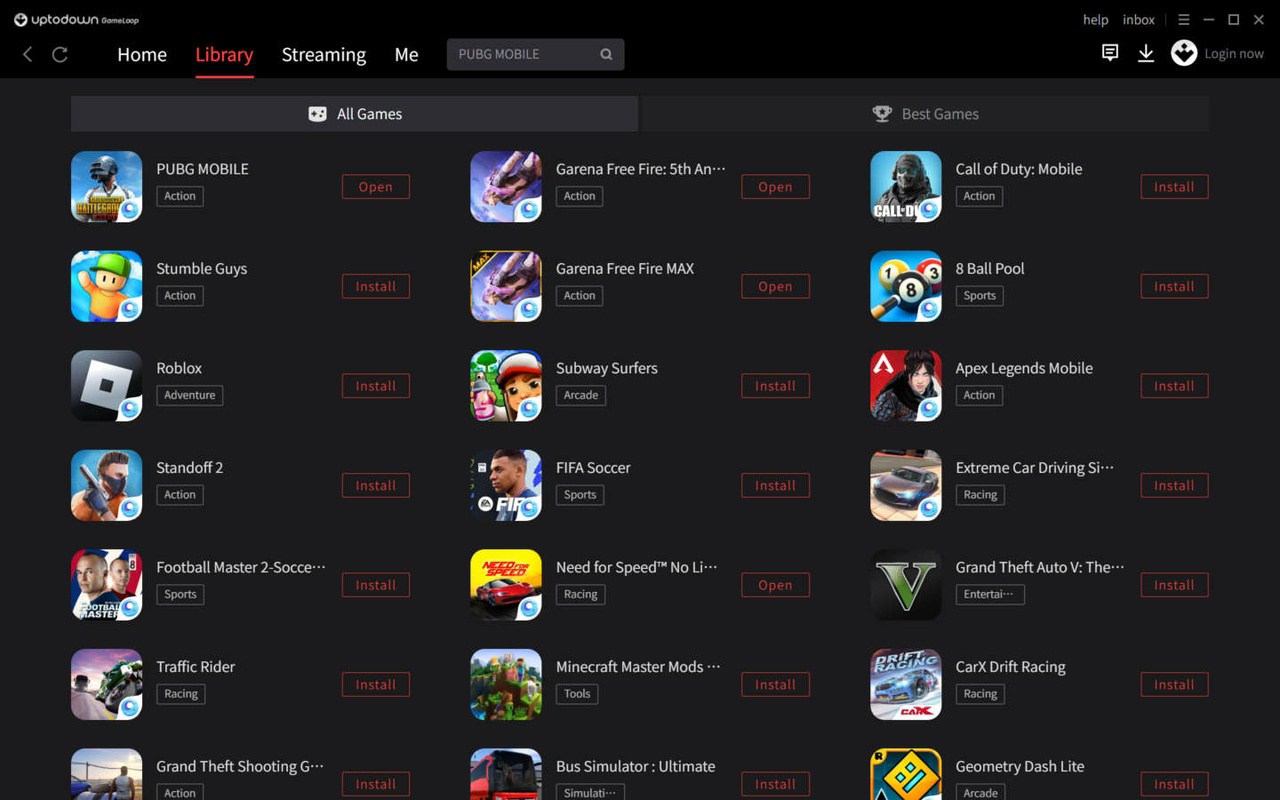
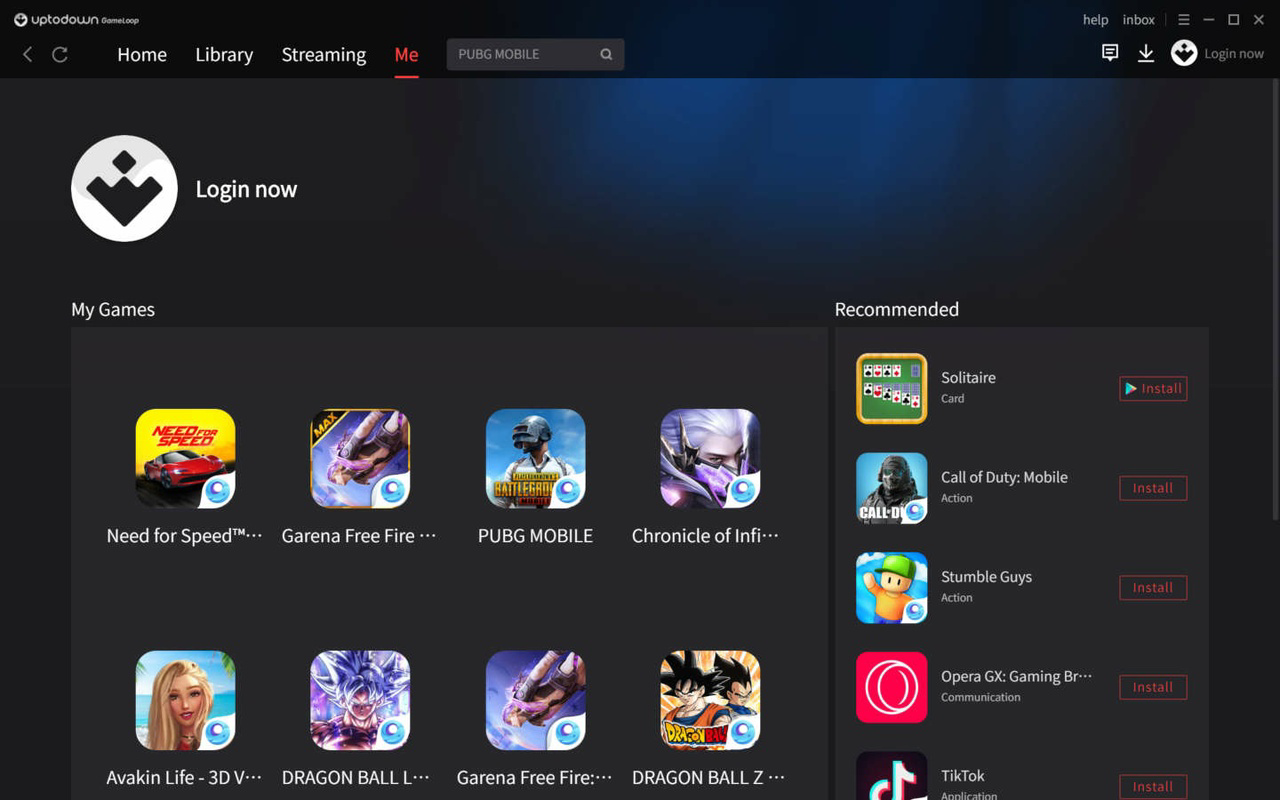
- Integrated Game Library – The Library tab allows users to manage installed games, launch them quickly, and monitor updates or performance settings.
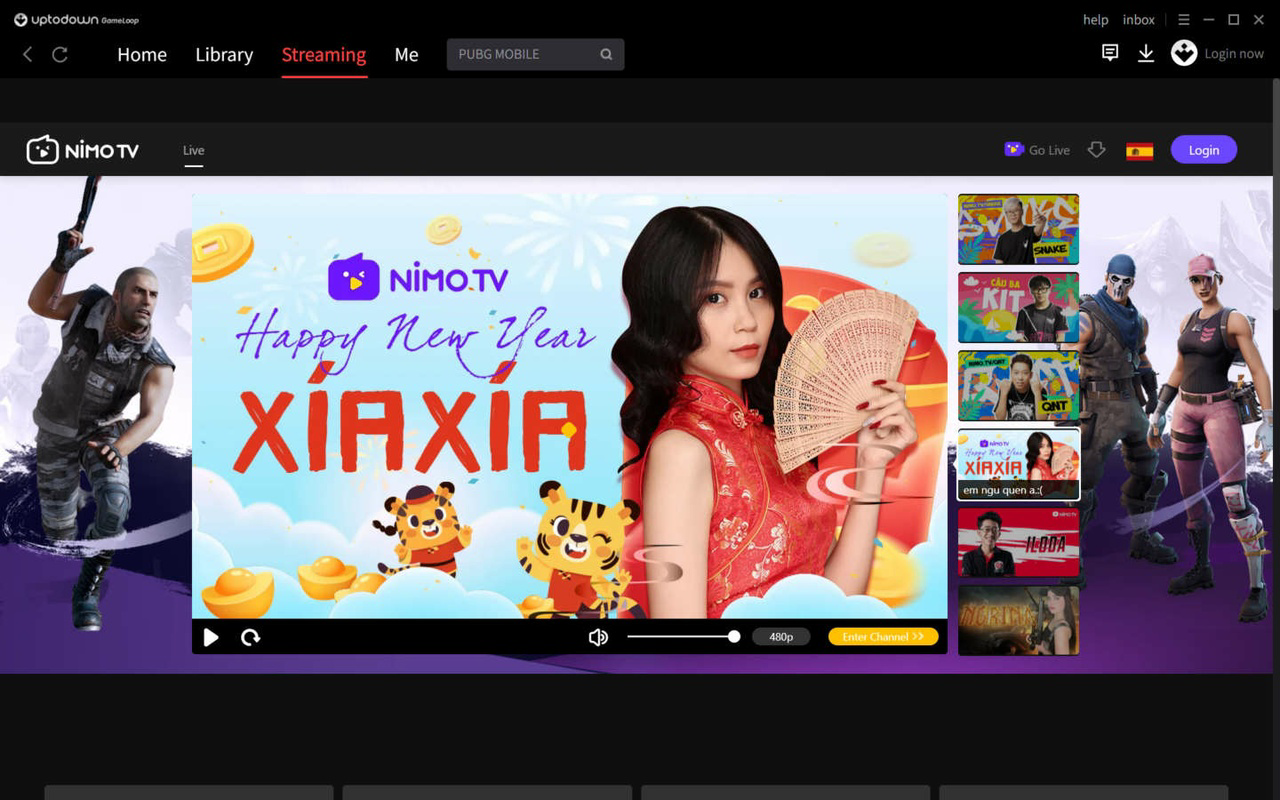
- Live Streaming Access – The Live tab enables users to watch real-time gameplay streams from other players, enhancing community engagement and learning opportunities.
- Content Discovery Portal – The Novel tab offers curated articles and stories related to video games and fantasy genres, enriching the user experience beyond gameplay.
- One-Tap Installation – Games can be installed with a single tap, streamlining the setup process and minimizing technical barriers.
For example, a player aiming to improve their ranking in Call of Duty: Mobile can install the game instantly, use the pre-set mouse and keyboard layout, and practice with precision. Similarly, content creators can use the Live tab to observe top players’ strategies while recording their own sessions. The integration of discovery features like the Novel tab adds depth, transforming GameLoop into more than just a gaming tool—it becomes a hub for gaming culture and community interaction.
Interface, UX & Performance
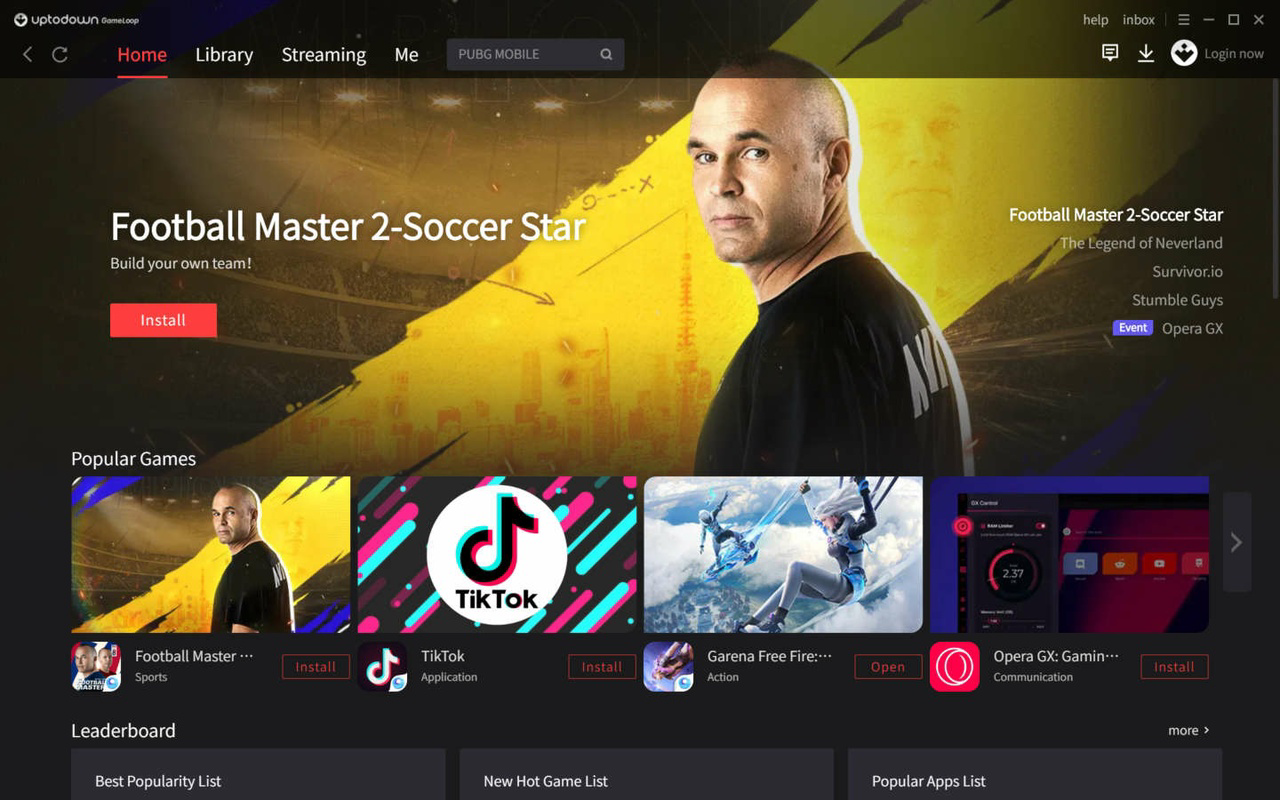
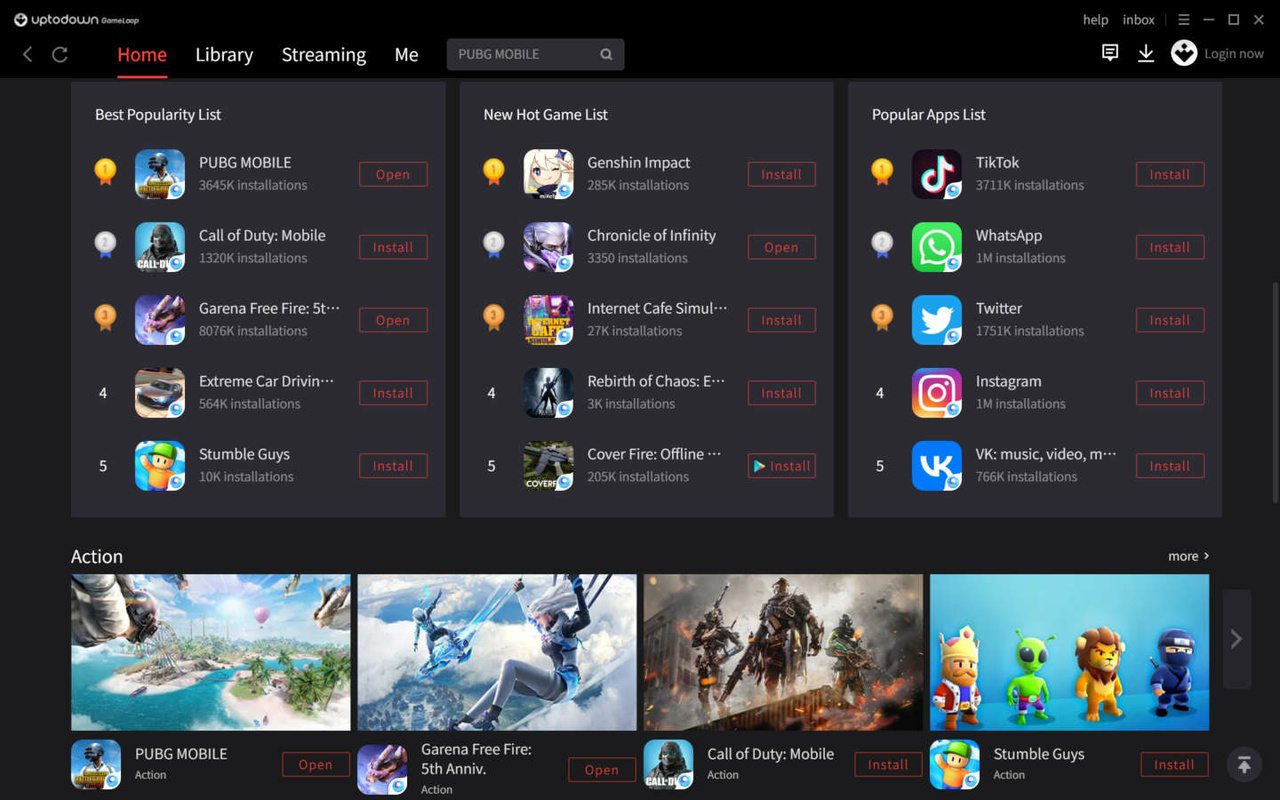
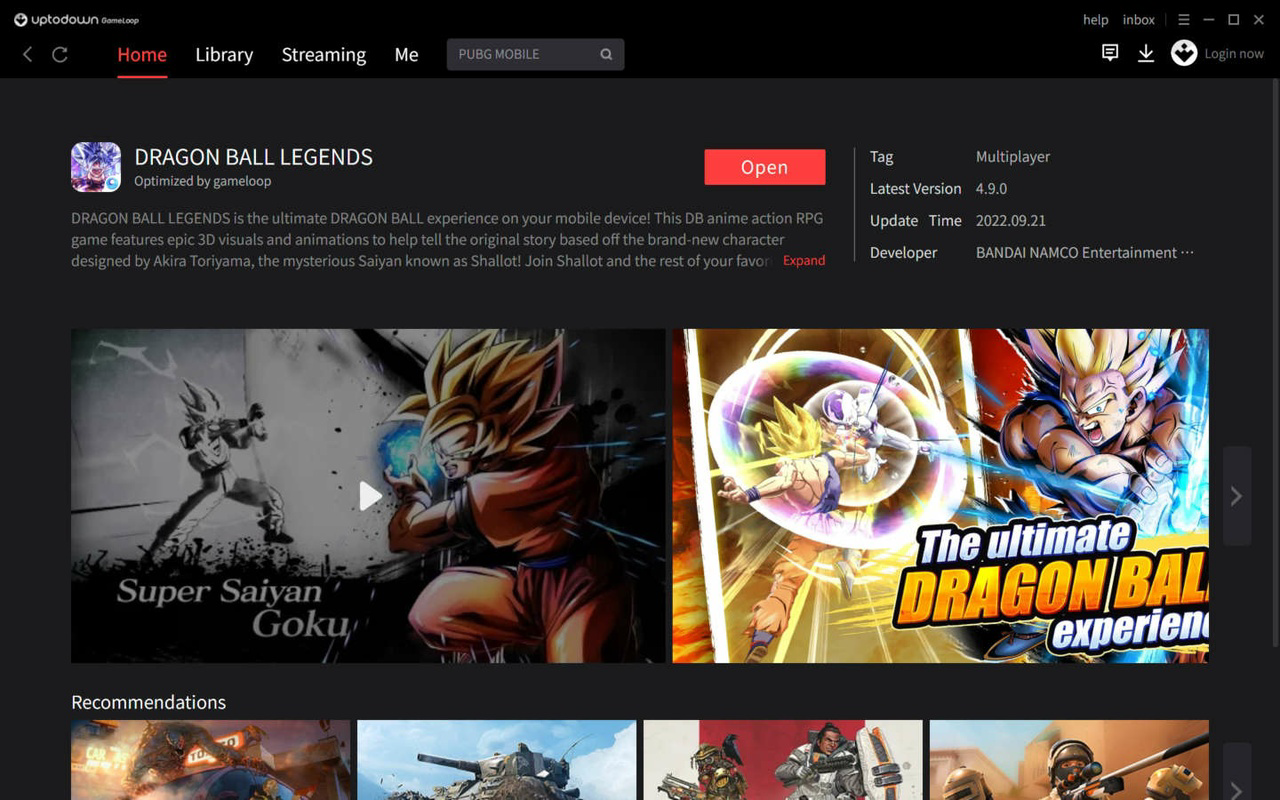
The interface of GameLoop is designed with usability in mind, featuring a clean layout centered around intuitive navigation. The Home section highlights trending and recommended games, making it easy for users to discover new titles. Tabs for Library, Me, Live, and Novel provide logical segmentation of functions, reducing cognitive load and improving task efficiency.
Navigation is straightforward, with clearly labeled icons and consistent visual cues. Users can switch between game management, account settings, and content consumption with minimal effort. The emphasis on simplicity ensures that even first-time users can operate the app without confusion.
Although the developer did not list formal performance metrics, the app’s 400 MB file size suggests a lightweight footprint, which may contribute to efficient resource usage. It is expected to run smoothly on mid-range Windows systems, though specific hardware requirements were not disclosed. Responsiveness appears strong during gameplay, with minimal lag reported in official titles. Stability is maintained through regular updates, although update frequency was not specified.
Platform Compatibility & Technical Requirements
GameLoop is available exclusively for the Windows platform. It requires a Windows operating system, though the specific version and minimum system requirements were not listed by the developer. The app’s file size is 400 MB, indicating a compact installation that should not strain storage on most modern devices.
Compatibility information was not fully disclosed, so users should ensure their system meets general standards for running Android emulators. The lack of detailed specifications means that performance may vary depending on hardware configuration. However, the app’s official status and widespread use suggest it is optimized for common Windows environments.
Pros and Cons
Pros
- Official emulator for popular Tencent games like PUBG Mobile and Free Fire
- Intuitive, user-friendly interface with clear navigation
- One-tap game installation with pre-configured controls
- Supports multiple languages for global accessibility
- Integrated live streaming and content discovery features
- Free to download and use
Cons
- Specific system requirements were not provided
- Only available on Windows, limiting cross-platform access
- Performance may vary on lower-end hardware without clear guidance
- Limited third-party game support beyond official titles
- Update frequency and release cycle details were not disclosed
FAQ
Is GameLoop safe to download and install?
Yes, GameLoop is distributed by APKPure, a reputable platform known for hosting verified software. The app is free and does not contain malware or intrusive ads, making it a secure choice for users.
Can I play all Android games on GameLoop?
GameLoop is optimized primarily for games developed by Tencent and its partners. While it may run other Android apps, full compatibility is not guaranteed for all titles.
Do I need a powerful PC to run GameLoop?
While GameLoop is lightweight at 400 MB, optimal performance may require a system with adequate RAM and GPU capabilities. Specific hardware recommendations were not provided.
Is GameLoop available for Mac or Linux?
Currently, GameLoop is only available for Windows. There is no official version for macOS or Linux.
How often is GameLoop updated?
The update frequency is not publicly disclosed. However, as an official emulator, it is likely updated regularly to maintain compatibility and security.
Final Thoughts
GameLoop stands out as a reliable, feature-rich Android emulator tailored for PC gamers who want to play top-tier mobile titles with enhanced control and comfort. Its official backing, intuitive design, and seamless integration with popular games like PUBG Mobile and Free Fire make it a compelling choice for both casual players and competitive enthusiasts. The inclusion of live streaming and content discovery features adds unique value, transforming the app into a multifaceted gaming platform.
While system requirements and update details remain unspecified, the app’s free model and broad language support enhance its accessibility. For users seeking a straightforward way to enjoy Android gaming on their desktop, GameLoop delivers strong performance and a polished experience.
Download GameLoop now and elevate your mobile gaming experience on PC.
Guides & Tutorials
How to install Uptodown GameLoop
- Click the Download button above.
- Once redirected, accept the terms and click Install.
- Wait for the Uptodown GameLoop download to finish on your device.
How to use Uptodown GameLoop
This software is primarily used for its core features described above. Open the app after installation to explore its capabilities.
User Reviews
No reviews yet. Be the first to share your experience.
You may also like
more
Que no te pillen¡
About !Que no te pillen¡Reviewed by Jason A. BilbreyShow MoreShow Less

3D Combat Zone
About 3D Combat ZoneOriginally released in 1983, 3D Combat Zone immerses players...

666: El día del portal
About 666: El día del portalOn June 6, 2006, Agent P. Stone uncovers a sinister...

80 in 1 Best Flash games
About 80 in 1 Best Flash games 80 in 1 Best Flash games is a collection of 80 fl...

ABYSS SEEKERーーWhat Do You See Deep in The Abyss
About ABYSS SEEKERーーWhat Do You See Deep in The AbyssIn ABYSS SEEKER, players...

ACA NEOGEO THE KING OF FIGHTERS 2002 for Windows
About ACA NEOGEO THE KING OF FIGHTERS 2002 for WindowsTHE KING OF FIGHTERS 2002,...